
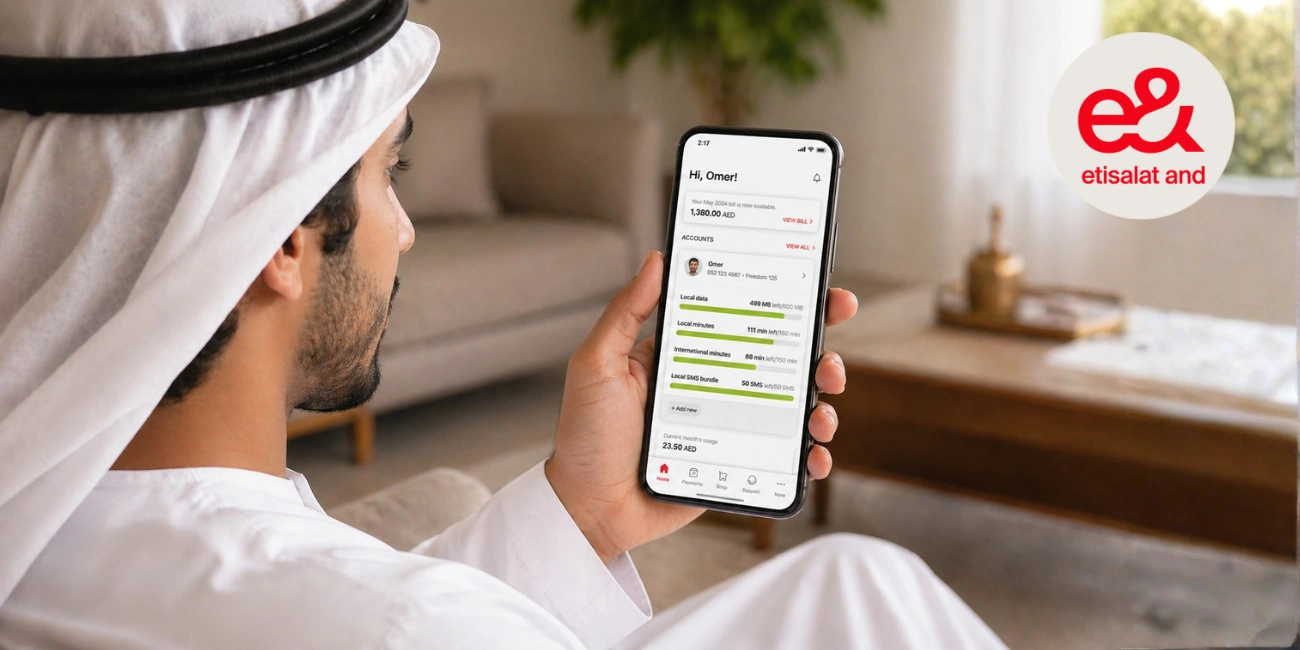
Quick Answer: To pay someone else’s Etisalat bill with Quick Pay, you will need to input their mobile or account number, choose the amount of the bill and pay with your credit card. No need to register, making it quick and convenient for your family and friends.
Perhaps a family member forgets to pay their bill. Or perhaps a friend needs assistance when you are away or busy. In such cases, we all need a way to pay an Etisalat bill for someone else.
This is where Etisalat Quick Pay can help. It allows you to make an online payment without having to log in. All you need is the mobile number or account number. Today, we’ll explain how it works, what you need to start and how to pay the bill step by step.
What Is Etisalat Quick Pay?
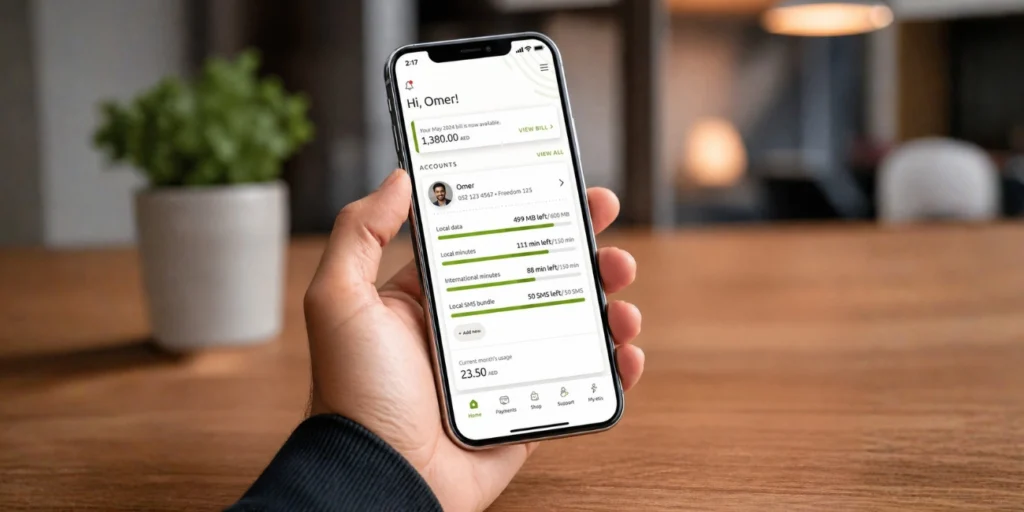
Etisalat Quick Pay is an internet payment service that lets you pay a bill without logging in. It’s an element of Etisalat’s e-services, designed for those who prefer quick payments.
You can think of it this way: rather than sign in, you just enter a mobile phone number or account number. It searches for the bill and displays what you need to pay. You can then make the payment with a credit or debit card.
This is not the same as recharge services. Recharge is for prepaid accounts, Quick Pay is for postpaid accounts. It’s also not the same as accessing an Etisalat account, where you can do everything. Quick Pay does one thing, it quickly pays a bill.
Can I Pay Other People’s Etisalat Bill?
You can use Quick Pay to pay someone else’s Etisalat bill. In fact, that is one of the purposes of the feature.
You don’t need their password or to have access to their account. All you need is their mobile or account number. Once you do, it will show you their bill.
This can come in handy in various ways. For instance, if your parents are unfamiliar with online payments, or if you have a friend who can’t afford to pay their bill. You can make payments for them in just a few minutes.
What Details Do You Need Before Paying
To make payment easier, it helps if you have the following information. This ensures you don’t get anything wrong, and makes the process quicker.
Here’s what you’ll need:
- Recipient’s mobile number or account number
- Payment option (debit/credit card)
- If you know it, the amount of the bill (it will show on the screen)
- Reliable internet connection for uninterrupted service
The key thing to remember is to be careful. You could end up paying the wrong bill if you enter the wrong number and that can be difficult to resolve.
How to Pay Someone Else’s Bill Using Etisalat Quick Pay
Using Quick Pay to pay someone else’s bill is easy, but it’s important to do it right. Here’s the correct way.
Step 1: Go to the Etisalat Quick Pay Page
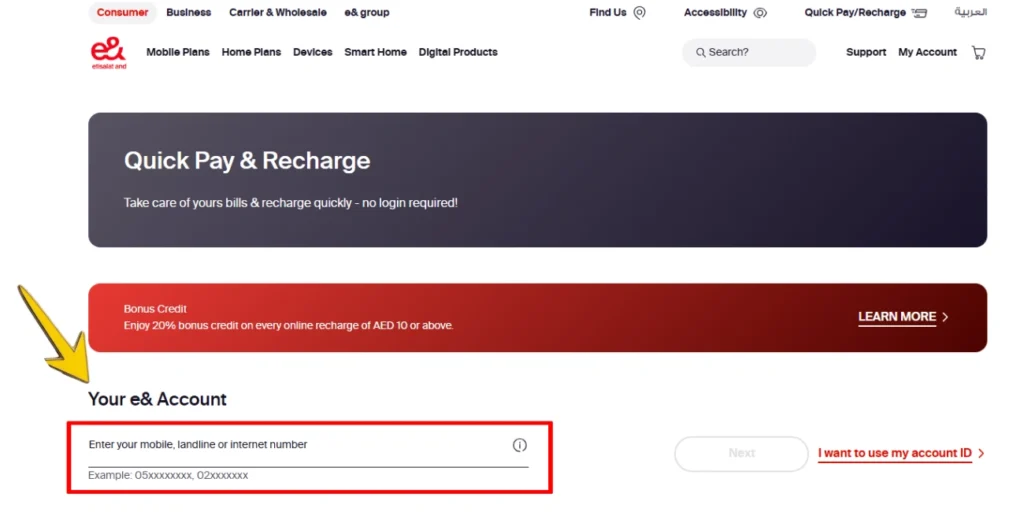
Go to the official Etisalat website and click on Quick Pay. This page is designed to allow quick-pay bill payments without signing in. Be sure you are on the right site for security purposes.
Step 2: Type Your Mobile or Account Number
Enter the number of the account you wish to pay. Be sure to check it again. It’s important to get this right because this number is used to identify the bill.
Step 3: Check the Bill Details
When you enter the number, the system will display the bill amount and other details. Review these details to ensure they’re right. If it doesn’t look right, double-check the number.
Step 4: Select a Payment Option
Choose a payment method, typically a credit or debit card. Provide the necessary card information. Ensure the card is adequately funded.
Step 5: Confirm the Payment
Once you’ve entered the details, click on confirm. This will take a moment (typically a few seconds).
Step 6: Save the Confirmation
You will receive a confirmation that the payment has been processed. You may also be provided with a transaction ID or receipt. Also, you can save or take a screenshot of this.
What Happens After You Make the Payment?
Once you have made the payment, the bill is typically updated immediately. Occasionally, it may take a little while though, depending on the system.
You should get a confirmation on your screen, and possibly by text message and email. This is used to confirm the payment. It may also contain a reference number that can be helpful if you have any issues with the payment.
If the bill isn’t updated immediately, wait a while before you do anything else. Usually the situation will resolve itself quickly.
Common Mistakes to Avoid
Although the procedure is straightforward, there are possible errors. Here are a few of them:
- Entering the wrong number
This could lead to paying someone else’s bill - Not checking bill details before paying
You could pay the incorrect amount or account - Using a card with an expired date or low balance
This leads to failed transactions - Closing the page too early
Disruption may cause payment issues - Not saving the receipt
You may need it in the future if there are issues
It only takes a few extra moments to double-check.
Etisalat Quick Pay vs Other Payment Methods
Knowing when to use Quick Pay can be helpful. Let’s break it down:
| Feature | Quick Pay | Etisalat Account Login | Recharge |
|---|---|---|---|
| Login Required | No | Yes | No |
| Best For | Paying bills quickly | Full account management | Adding balance |
| Speed | Very fast | Moderate | Fast |
| Use for Others | Yes | Limited | Sometimes |
It’s best to use Quick Pay when you want it to be quick and easy. If you want greater account control, then log in.
Tips for a Secure and Convenient Payment
Online payments are convenient, but there are steps you can take to make them safer and quicker.
Always go to the official Etisalat website. Don’t click on links or use unfamiliar sites. This helps avoid scams.
Make sure you enter the right mobile number. This could result in a wrong transaction. It’s also a good idea to save a copy of the confirmation page. You can use this to look up the payment.
It’s best to use a secure network, particularly when inputting card details. Public Wi-Fi can sometimes be risky.
FAQs About Etisalat Quick Pay
Yes, you can use Quick Pay. You don’t even need a user ID and password.
Payment is generally immediate, but can occasionally take a few moments.
The money could go to the wrong person. So make sure you check carefully.
Yes, as long as you pay via the official site and take some precautions.
It may be possible to make part payments, depending on the account and payment rules.
Final Thoughts
Using Etisalat Quick Pay to pay a friend or family member’s bill is very simple. You don’t have to have access to their account and you can pay the bill in a few clicks.
Just ensure you are entering the details correctly and review them before you pay. This helps avoid any issues.
Have you used Quick Pay to pay a friend or family member’s bill? What was your experience like?